Registration settings control who can sign in to your application. This feature lets you decide whether your app is open to the public or restricted to invited users only, giving you complete control over who can access your application.Documentation Index
Fetch the complete documentation index at: https://mygrid.mintlify.app/llms.txt
Use this file to discover all available pages before exploring further.
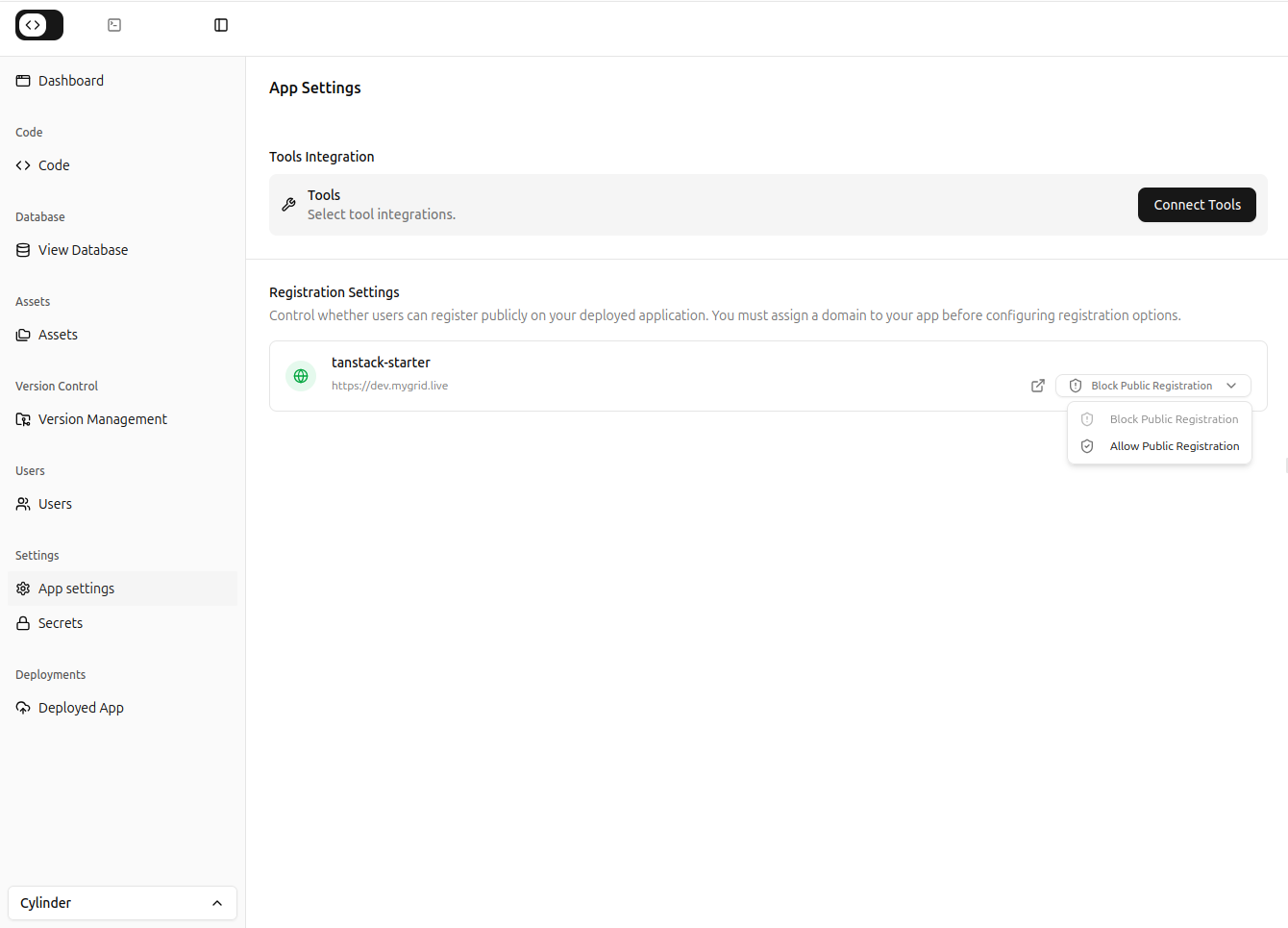
Understanding Registration Settings
Your registration setting determines how new users can access your application:“Should anyone be able to sign in, or only people I specifically invite?”This simple but powerful setting affects your app’s privacy, security, and user management. Whether you’re building an internal tool for your team or a public-facing application, choosing the right registration mode is crucial. The setting has two modes:
- Public Registration – Anyone can sign in to your app
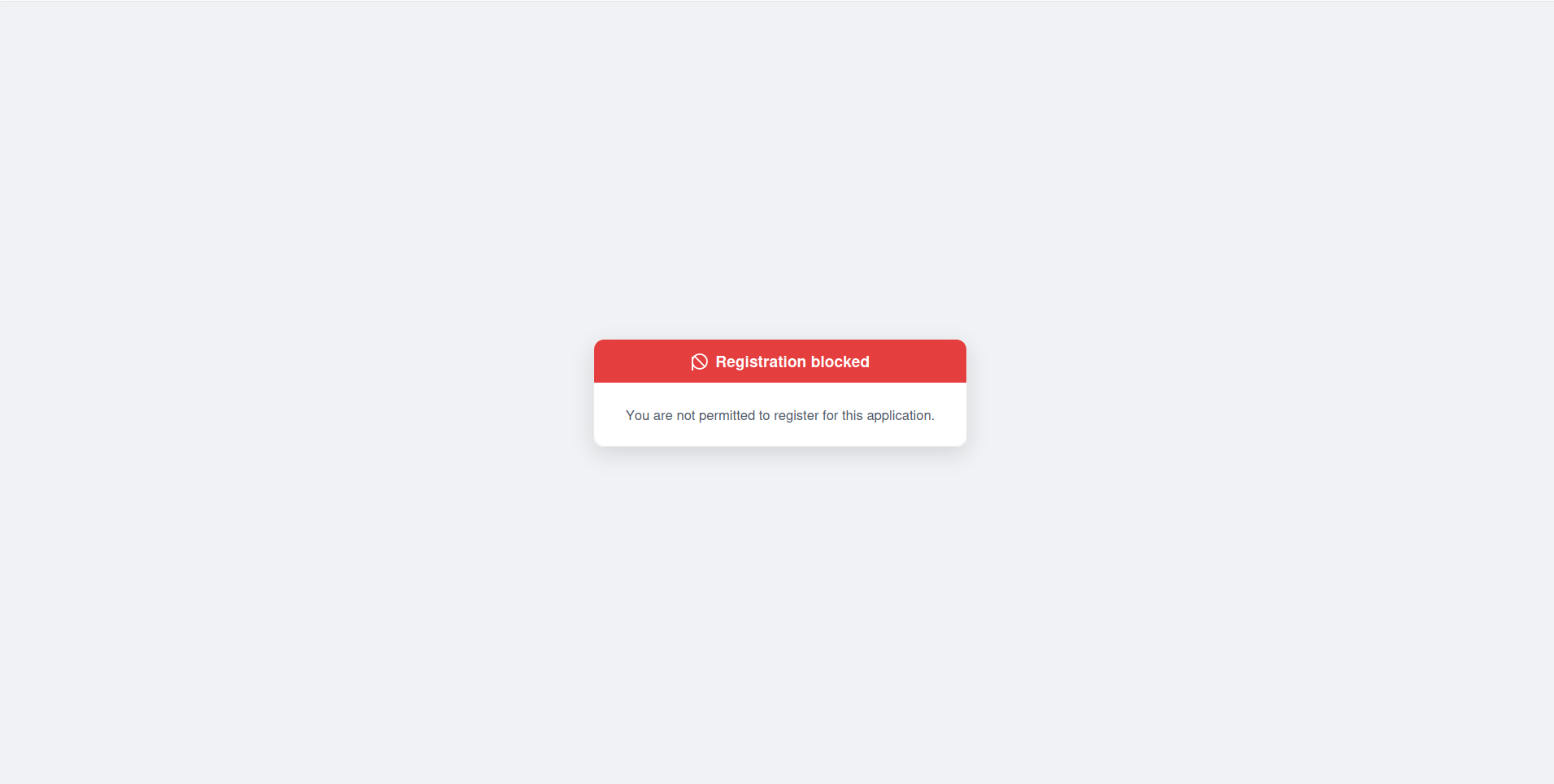
- Blocked Registration – Only users invited to your organization can sign in to your app
Working with Blocked Registration
When registration is blocked, here’s how to grant access to new users:Inviting Users to Your Organization
- Go to your Organization Settings
- Select Team Members or Users
- Click Invite User
- Enter their email address
- Send the invitation
What Users Experience with Blocked Registration
If an user that does not belong to your organization tries to sign in to your app, they will see a screen like below.